The bills are sent by e-mail to the contact person who was mentioned when signing the contract.
If you have not received your invoice, you can find it on your customer web space.
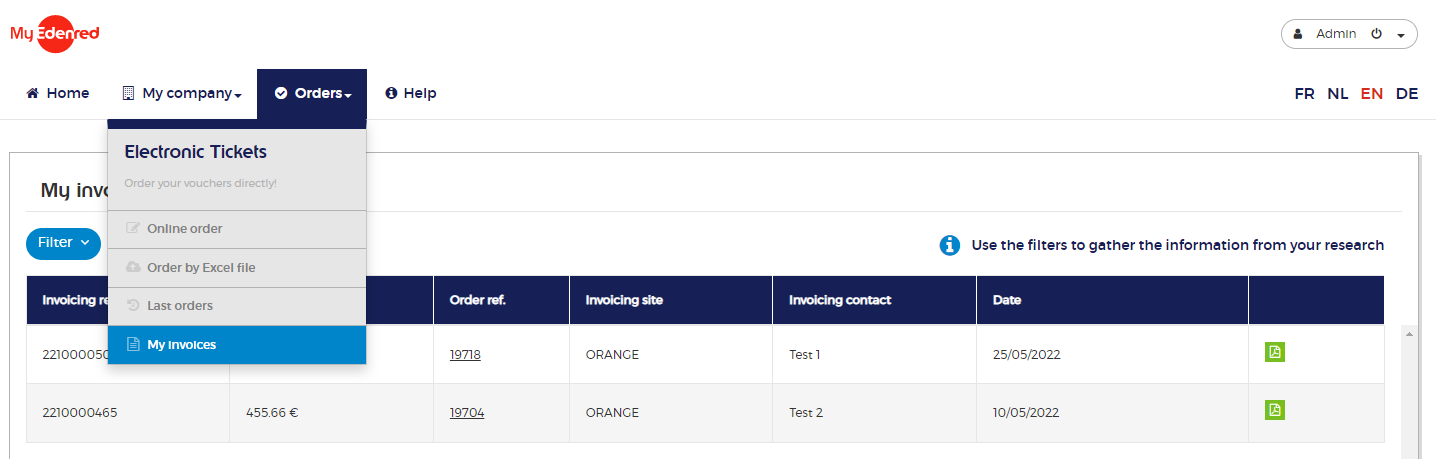
- Click under “Orders” on “My Invoices”.
- Search for your invoice via the billing or order reference, the Invoice Site or by date.
- Then click on the green icon next to the invoice to download it.
- You can also find the details of your order by clicking on the order number
Change the address to which your invoices are sent
Changing the email address is very simple! You can find all steps here.